What is in the KDP cover template
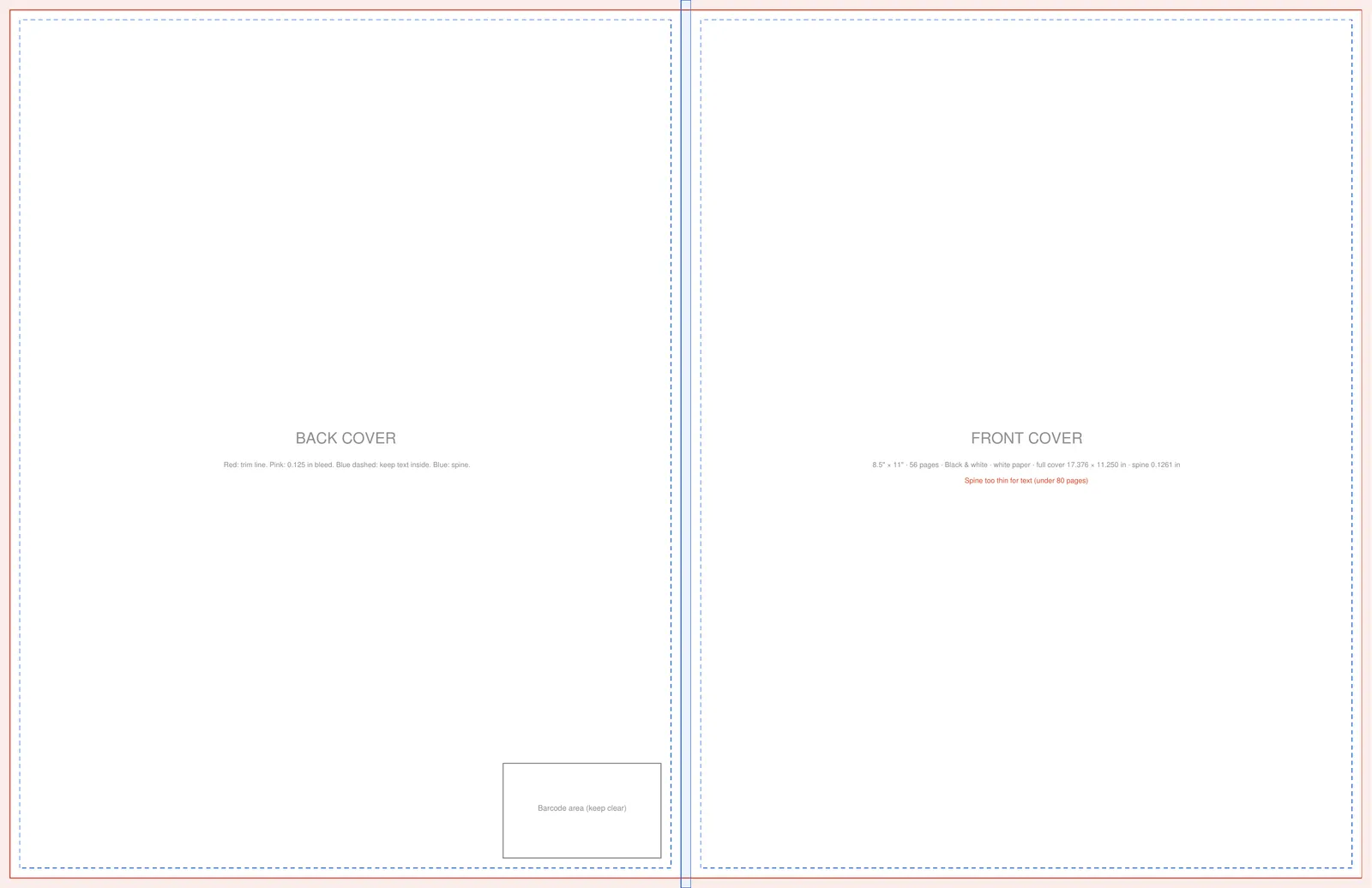
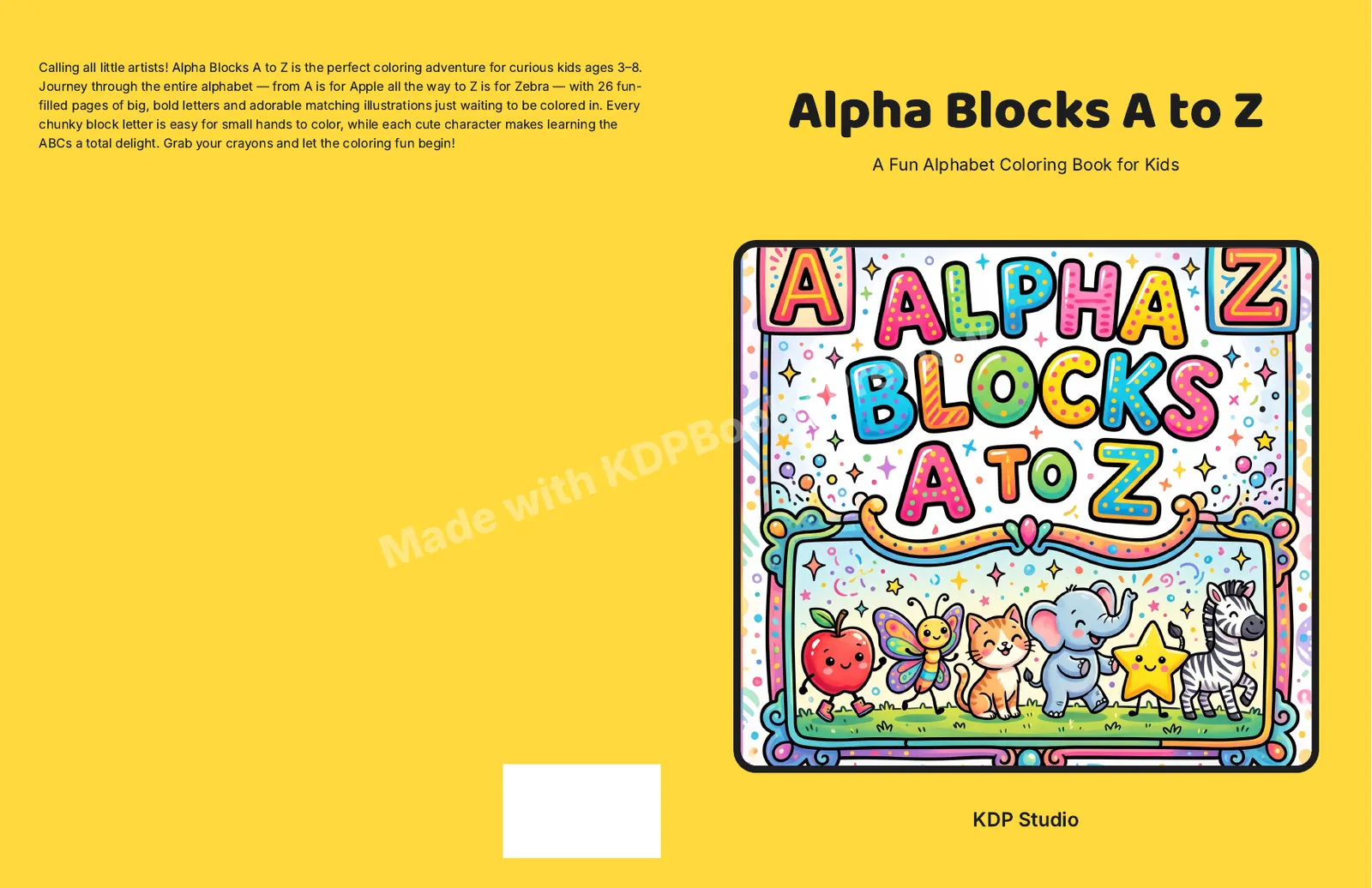
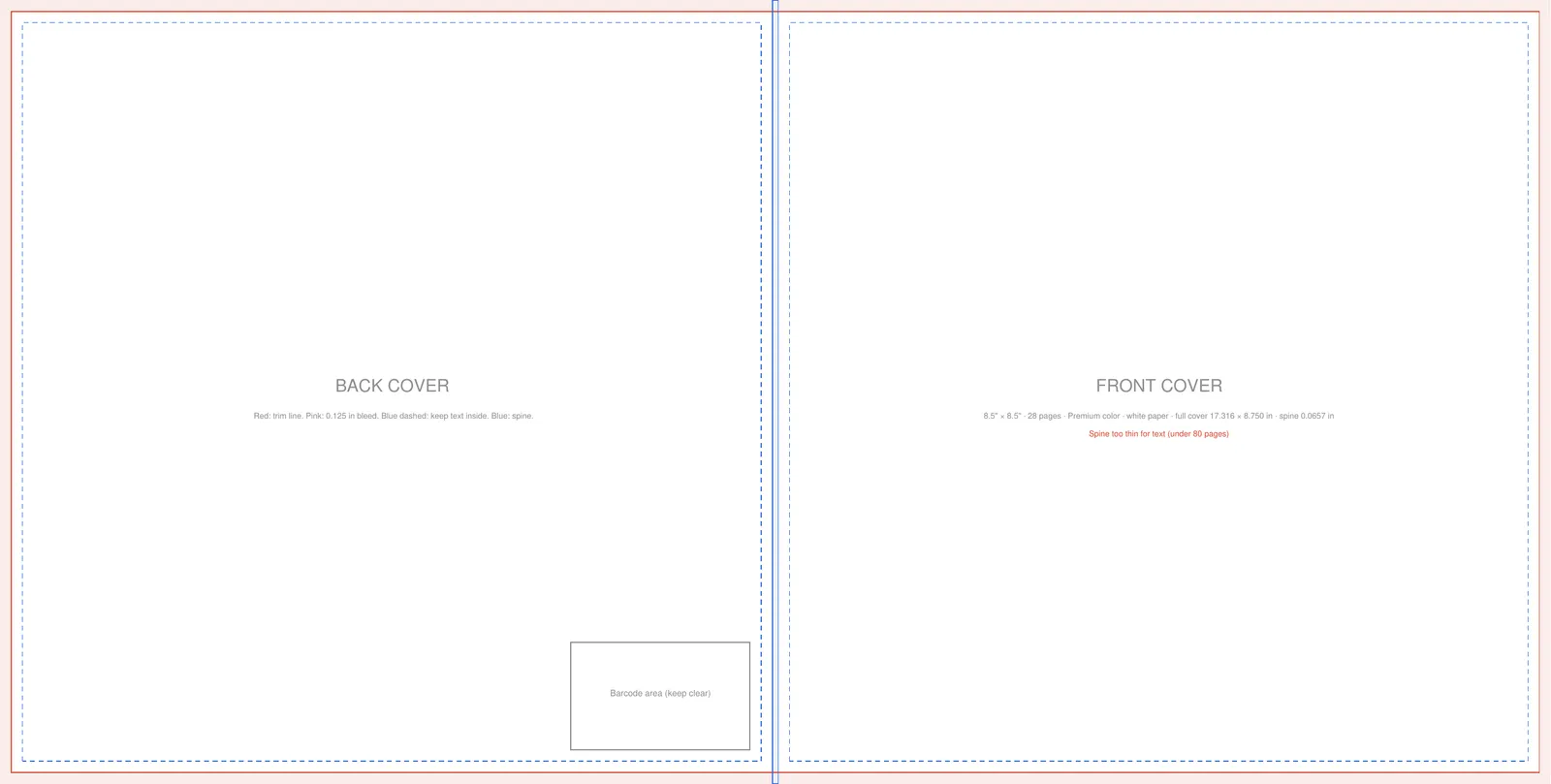
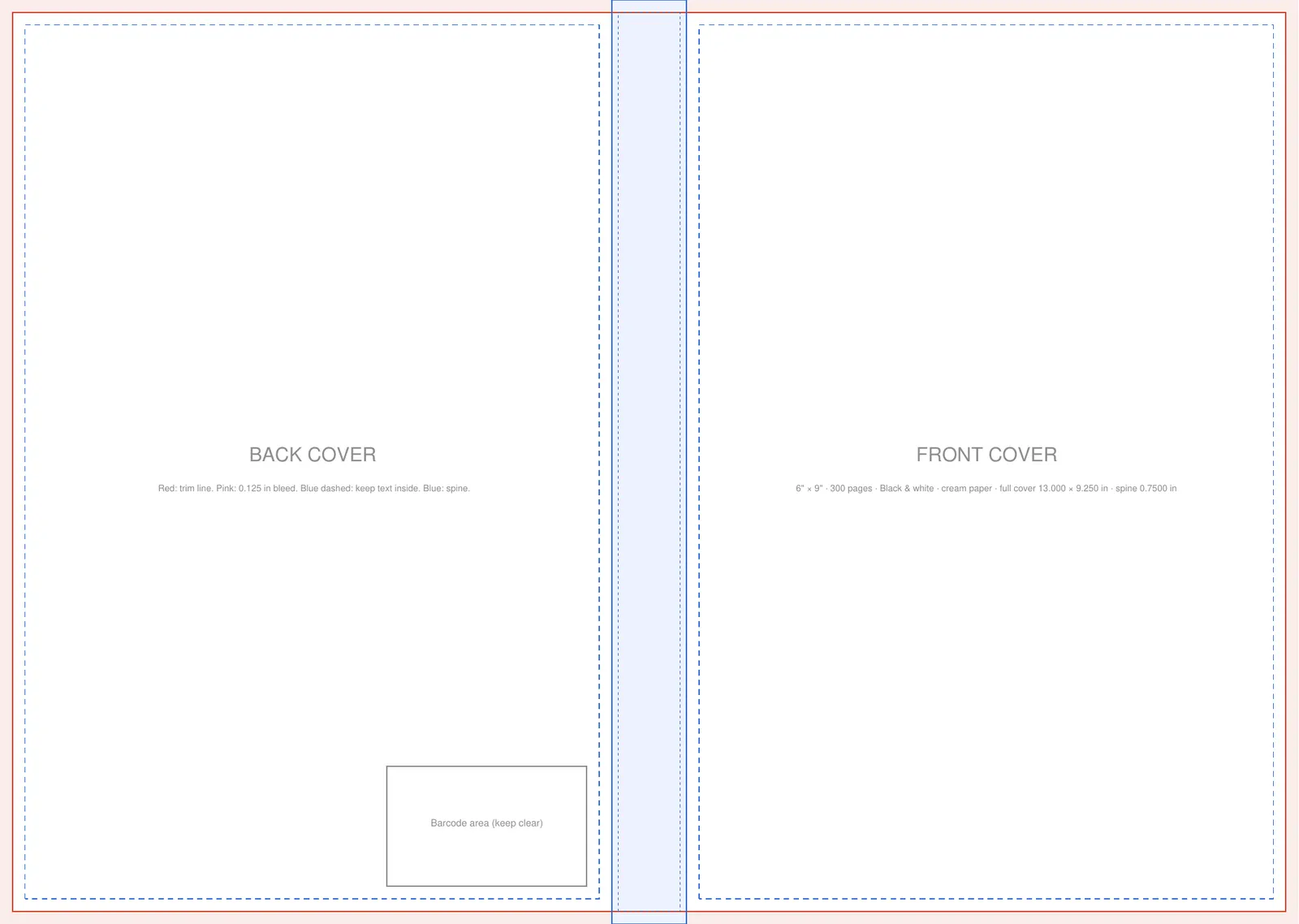
A KDP paperback cover is one flat image: back cover, spine and front cover side by side, with 0.125 in of bleed on every outside edge. The template draws each of those zones so you can design on top of it in Canva, Affinity, Photoshop or any tool that opens a PDF or PNG.
- Bleed: the outer 0.125 in that gets trimmed off. Extend your background into it.
- Trim line: where the cover is cut. Anything outside it is gone.
- Safe zones: keep titles and text inside the dashed boxes so trimming never clips them.
- Spine: its width comes from your page count and paper. Spine text is only allowed on books with more than 79 pages.
- Barcode area: the lower right of the back cover is where the barcode goes. Keep text and key art out of it.
How the template size is calculated
Width is bleed + back cover + spine + front cover + bleed. Height is the trim height plus bleed at the top and bottom. The spine is your page count times the thickness of one page, which depends on the paper. If you only need the numbers, the spine width calculator shows them without a template.
- Spine: 200 x 0.0025 in
- 0.5 in
- Width: 0.125 + 6 + 0.5 + 6 + 0.125
- 12.75 in
- Height: 9 + 0.125 + 0.125
- 9.25 in
- Full cover
- 12.75 x 9.25 in
| Paper | Inches per page | 200 pages |
|---|---|---|
| White (black ink) | 0.002252 | 0.4504 in |
| Cream (black ink) | 0.0025 | 0.5 in |
| Premium color (white) | 0.002347 | 0.4694 in |
| Standard color (white) | 0.002252 | 0.4504 in |
How to use a KDP cover template
- 1
Match your interior first
Finish the interior so the page count is final. A different page count changes the spine width.
- 2
Download and place it as a guide layer
Open the PDF or PNG at actual size, lock it, and design on a layer above it.
- 3
Extend backgrounds into the bleed
Color and images should run to the outer edge of the template, past the trim line.
- 4
Hide the guides and export
Turn off the template layer and export a PDF at the full cover size shown in the tool.
Not sure which trim to use? See KDP trim sizes. For the design itself, our guide on how to make a book cover covers type, imagery and what reads at thumbnail size.
KDP hardcover cover template
This tool makes paperback templates. A hardcover case wrap folds around boards, so its template adds wrap and hinge areas that a paperback does not have, and KDP hardcovers come in fewer trims (5.5 x 8.5, 6 x 9, 6.14 x 9.21, 7 x 10 and 8.25 x 11 in). Download hardcover templates from KDP's own cover calculator until we add them here.
Frequently asked questions
Is the KDP cover template free?
Yes. Pick your settings and download the PDF or PNG. No account needed.
Why does my spine width change?
Spine width is page count times paper thickness. Add pages or switch from white to cream paper and the spine gets wider, so make the template after your interior is final.
Can I use the template in Canva?
Yes. Upload the PNG, set a custom design size equal to the full cover size shown in the tool, place the template as the bottom layer, and hide it before you export.
What resolution should the cover be?
Design at 300 DPI. The tool shows the pixel size of the full cover at 300 DPI for your settings.
Does the template include the barcode?
No. It marks the area in the lower right of the back cover where the barcode goes, so you can keep it clear of text and key art.
Do you have hardcover templates?
Not yet. Hardcover case wraps need extra wrap and hinge areas. Use KDP's cover calculator for hardcover templates for now.