
Ollie and the Northern Lights
8.5" × 8.5" · 28 pages · Premium color · white paper
- Full cover
- 17.316 × 8.750 in
- Spine width
- 0.0657 in
- Spine text
- No, under 80 pages
Pick a trim size, paper and page count. You get the spine width, the full wrap cover size for KDP paperbacks, and the margins your interior needs. Free, no sign-up. Want a layout to design on? Get a KDP cover template with every zone marked.
Spine width is page count times the paper thickness per page:
Full cover width is bleed + back cover + spine + front cover + bleed, with 0.125 in of bleed on every outside edge. Height is the trim height plus 0.25 in.
Spine text is only allowed on books with more than 79 pages. Keep text 0.0625 in away from each spine edge.
Inside margin grows with page count: 0.375 in up to 150 pages, then 0.5, 0.625, 0.75 and 0.875 in. Outside margins are at least 0.25 in, or 0.375 in when the interior has bleed.
Formulas follow KDP's published cover and spine rules (KDP help, checked November 2026). KDP pages give 79 or 80 pages as the spine-text minimum; this KDP cover calculator uses the safer 80.
Want the whole book done for you, cover included? Start a book with KDPBook.
Three paperbacks made with KDPBook, with cover sizes worked out by the same formulas as the calculator above.
8.5" × 8.5" · 28 pages · Premium color · white paper

8" × 10" · 72 pages · Standard color · white paper
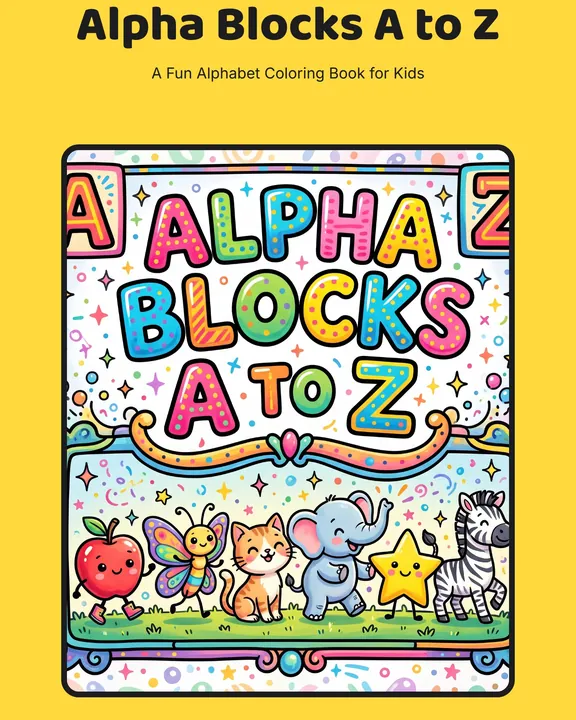
8.5" × 11" · 56 pages · Black & white · white paper
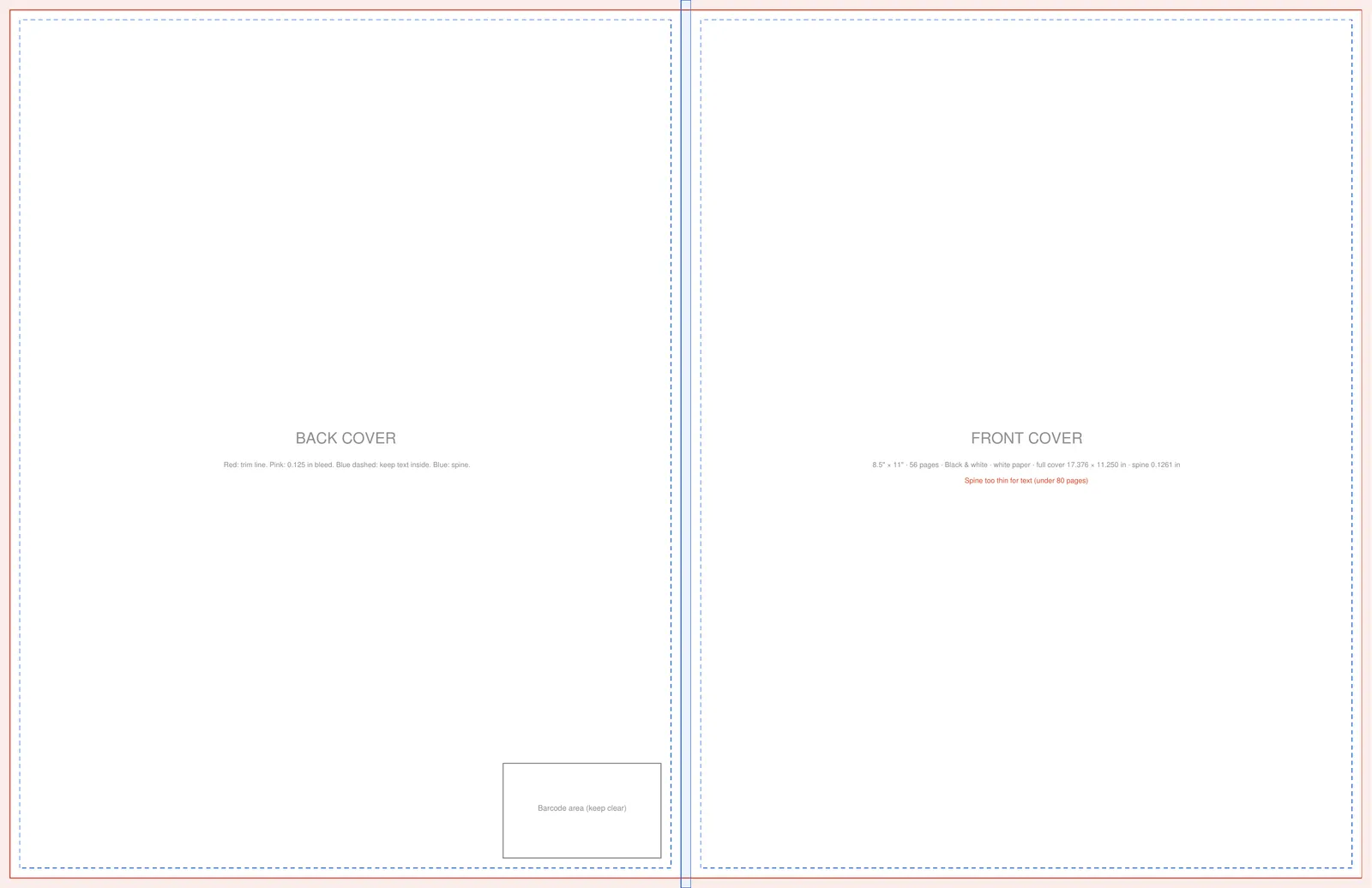
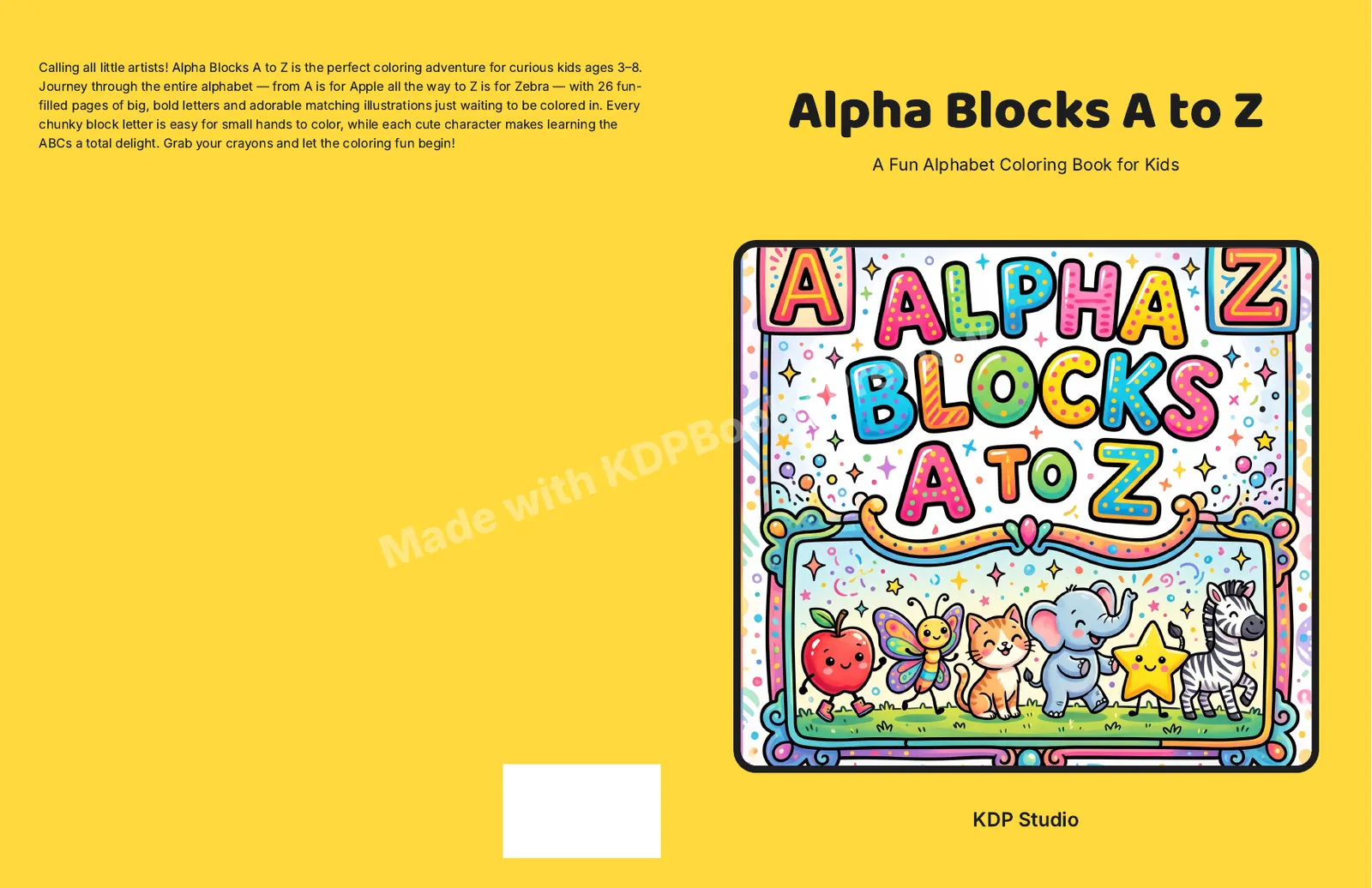
Alpha Blocks A to Z is 8.5 × 11 in with 56 pages on white paper. On the left is the cover template for that size; on the right is the wrap cover KDPBook exported for it. Click either image to open it full size.
Multiply the page count by the paper thickness per page: Black & white · white paper 0.002252 in, Black & white · cream paper 0.0025 in, Standard color · white paper 0.002252 in, Premium color · white paper 0.002347 in. A 200-page book on cream paper has a 0.5 in spine.
Width is bleed + back cover + spine + front cover + bleed, with 0.125 in of bleed on each outside edge. Height is the trim height plus 0.25 in. The KDP cover calculator shows both in inches and in pixels at 300 DPI.
The trim line, the 0.125 in bleed, the spine, the area to keep text inside, and the barcode area on the back cover, at the exact size for your trim, paper and page count. The PDF is full size; the PNG is 300 DPI.
KDP only prints spine text on books with enough pages for a readable spine. Below about 80 pages, leave the spine blank.
KDP counts the pages of your interior PDF, including blank pages. Recalculate the cover with that exact number, and redo it if you add or remove pages.